
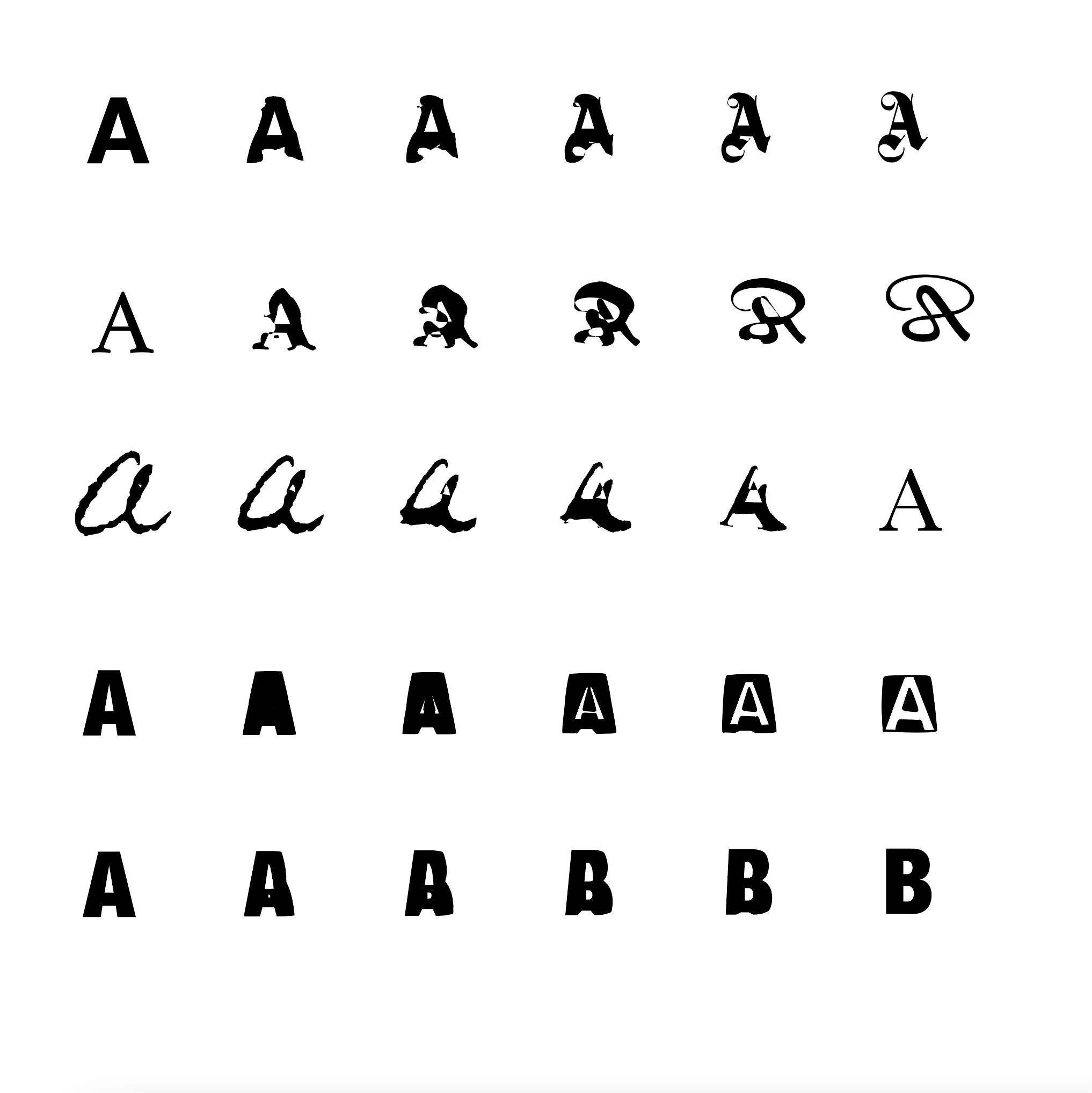

During my research for one of my other blog posts, I came across a pretty cool trick in Illustrator. Under the Object window, when selecting two different objects, you can choose to blend the two. After finicking with the settings, doing this on two different fonts can get you some pretty cool results. This was a trick that was used during the rise of experimental typography in the 90s.
Here are some screenshots of a few fonts I blended together.
HELVETICA AND GOTHIQUE MN

ATHELAS AND P22 CIVILITE

HOMEMADE APPLE PRO AND BAKERSVILLE

HELVETICA NEAUE AND HELVETICA PUNK

HELVETICA NEAUE AND HELVETICA NEAUE


Here’s a poster I whipped up in a few minutes using this method.
